Original to swapped in one step
Example made with Face swap · 2K
How to swap faces in a photo
Put yourself in any scene, make a new portrait or personalise a meme. All you need is a clear face and a target photo.

YOUR FACE
Upload the face you want to insert
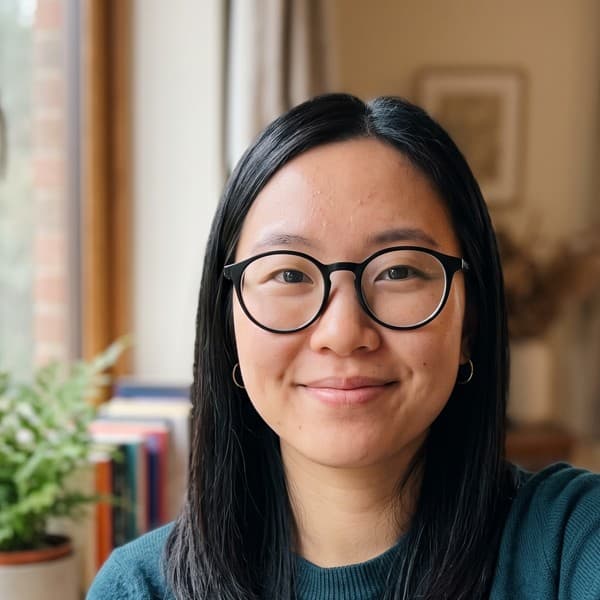
CHOOSE THE FACE FOR YOUR SWAP
Use a photo of yourself or someone who has given permission. A clear, well-lit face gives the AI more detail and a more natural result.

TARGET IMAGE
Photo with the face to replace
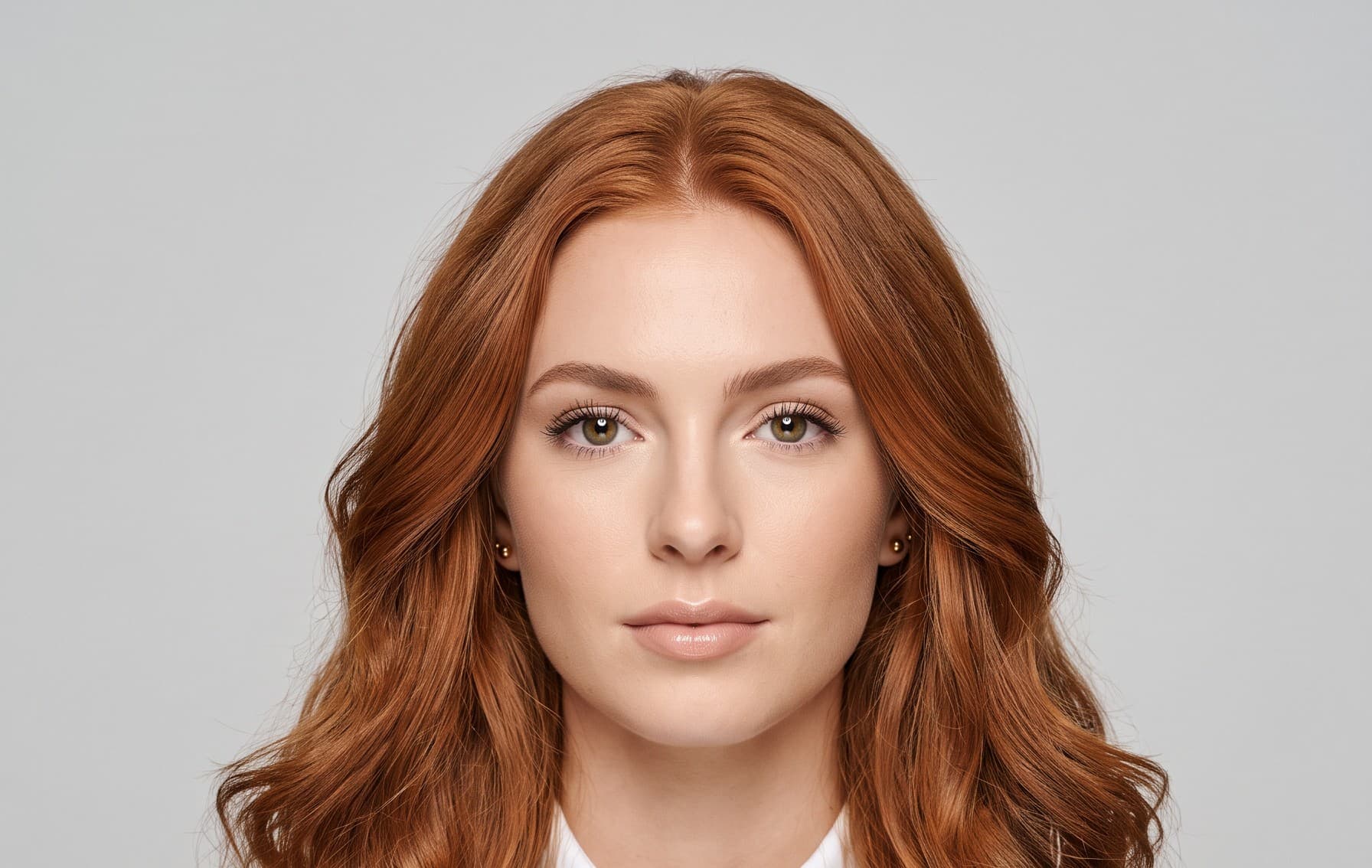
ADD THE PHOTO TO CHANGE
A portrait, a meme or a scene from a trip can be the starting point. Pick a photo where the face is clearly visible.
- Swapped
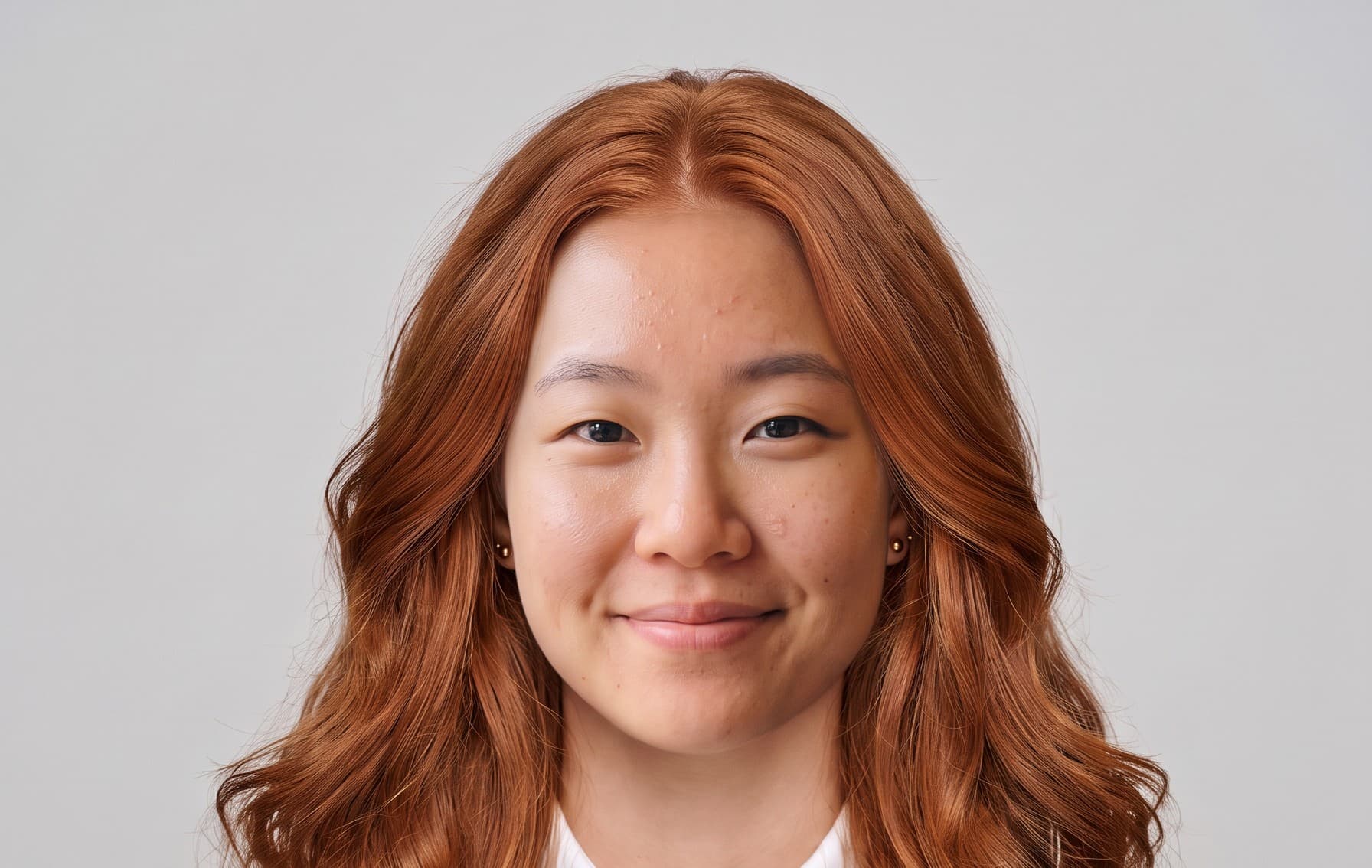
CREATE YOUR FACE SWAP
The AI swaps and blends the face for you, matching skin tone and light. No masking or editing. Review it, then download or animate it.
Photos that work best
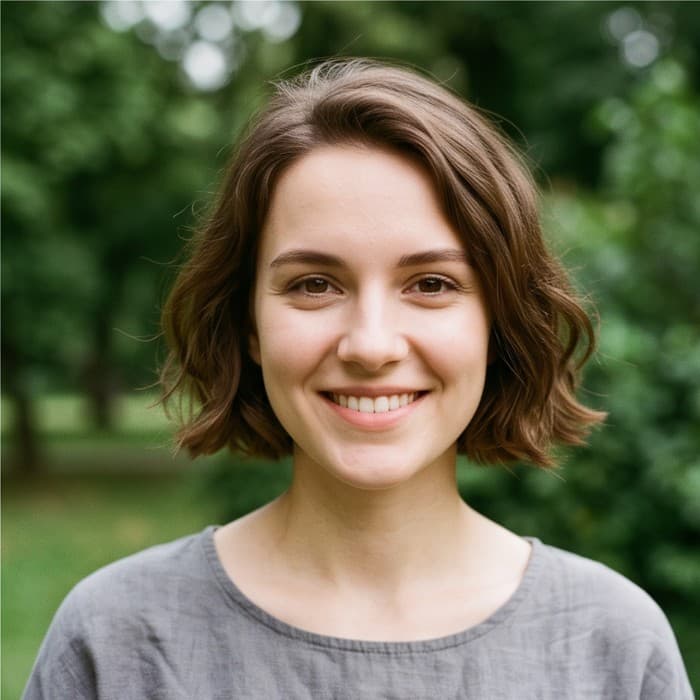

UseClear, front-facing
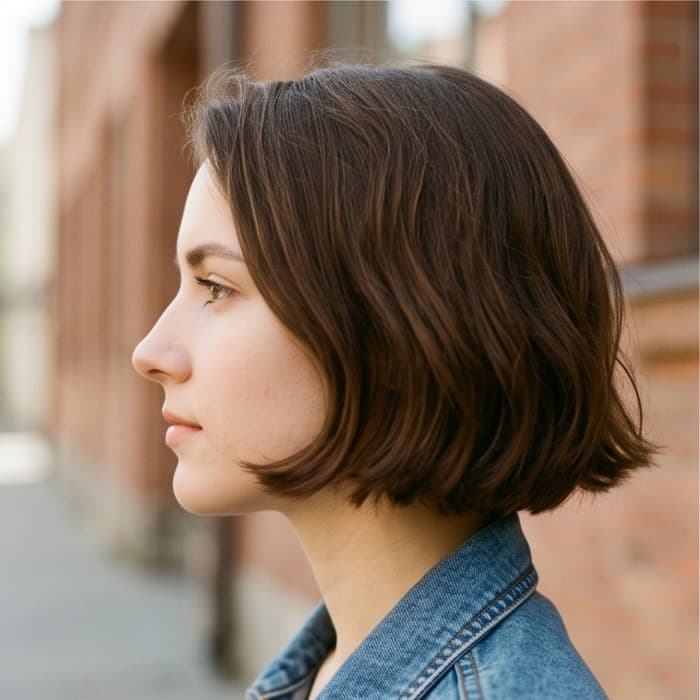

AvoidSide profile
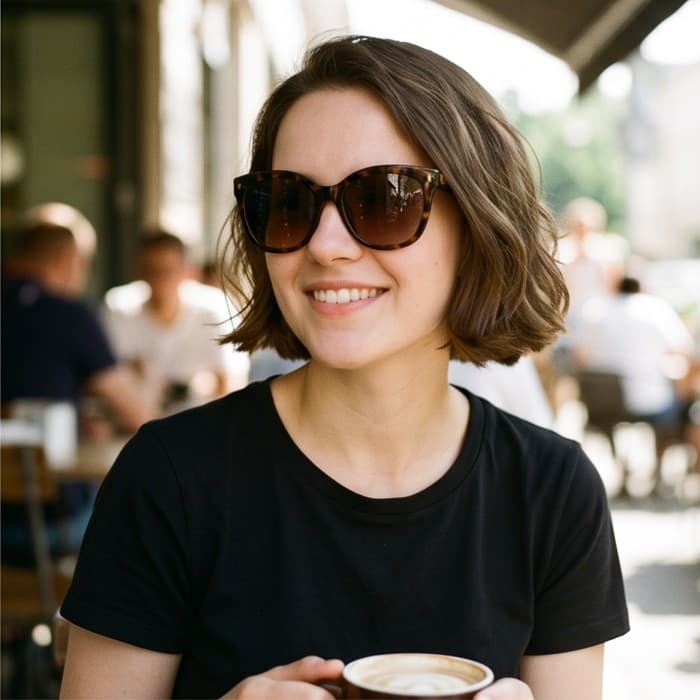
AvoidSunglasses
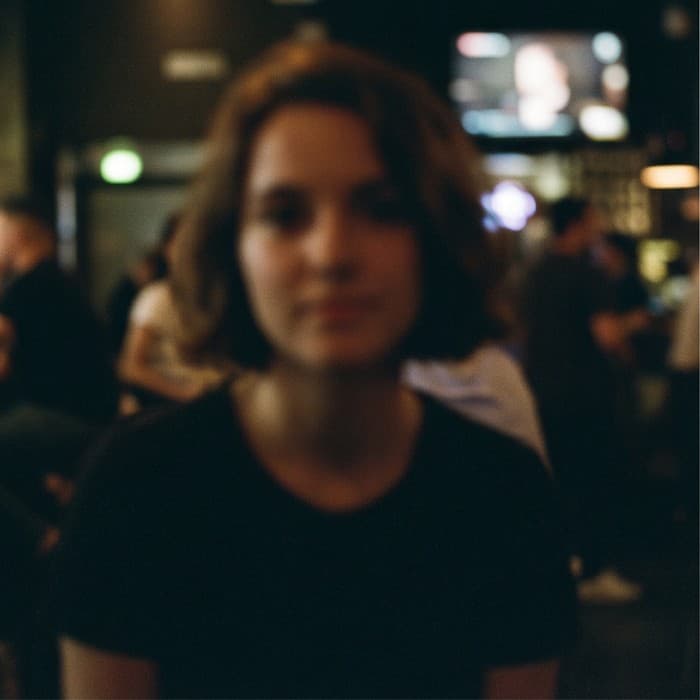
AvoidBlurry or dark